
Skip to content
FM360AI
Menu

For schools and campuses

A school has a thousand people who can spot a problem, and a small team to fix it

FM360AI gives teachers and staff a way to report that takes seconds, and gives the facilities team one ordered list instead of a day of messages, calls and corridor conversations.

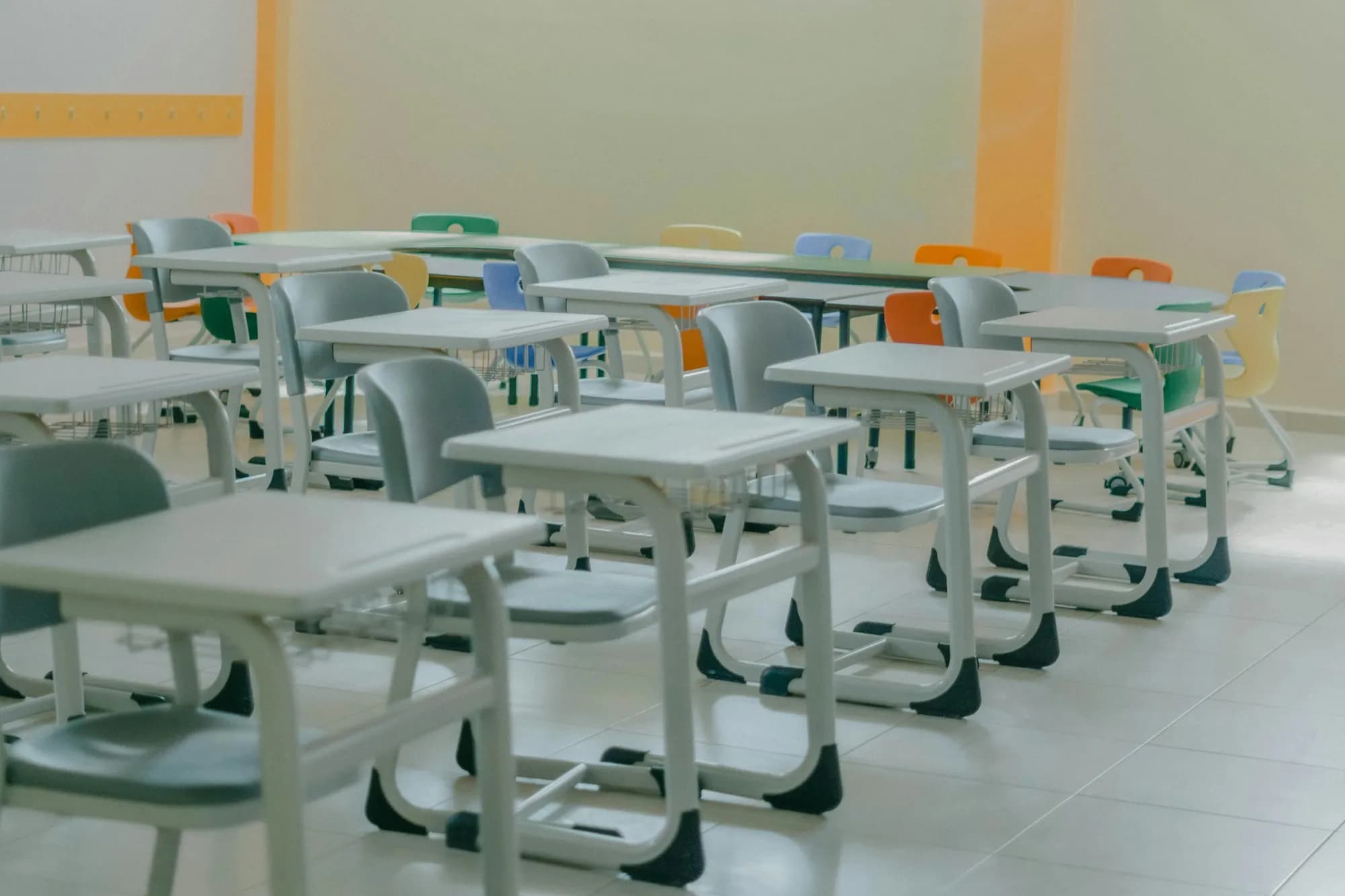
An empty, sunlit classroom with rows of white desks and grey-green chairs
FM-10512OpenAC not cooling, Room 204Block B, 2nd floor
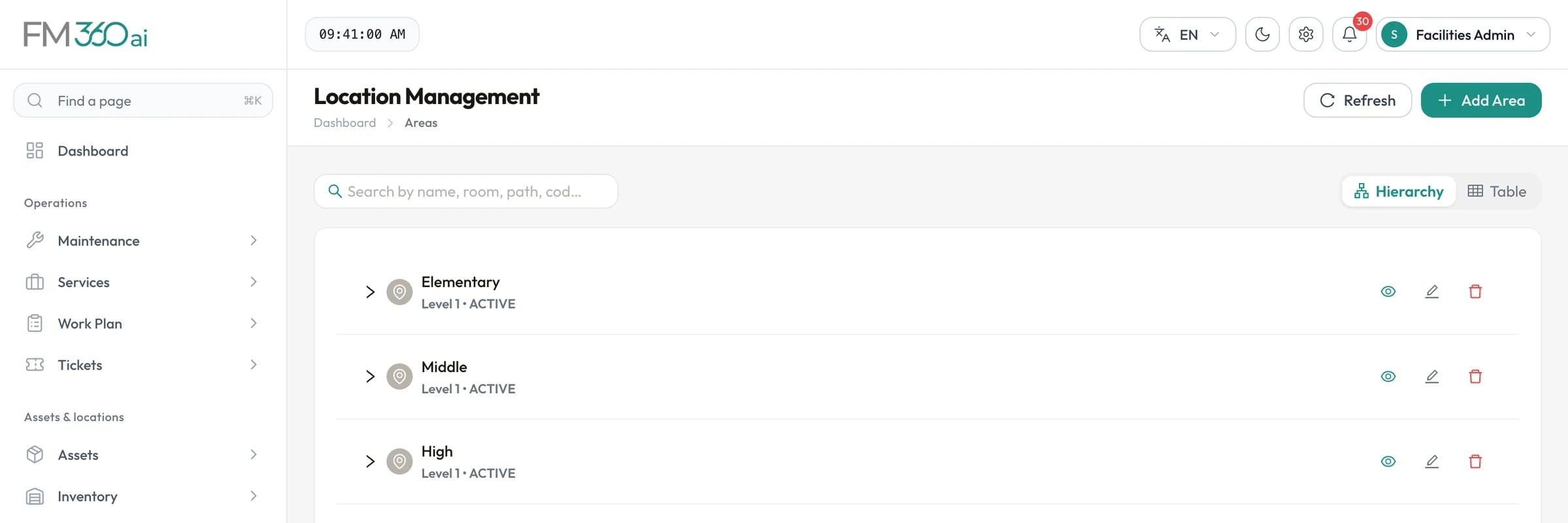
Location management screen showing a hierarchy of areas with expand controls

Swipe the screenshot to see all of it.

Screens are from an FM360AI demo environment. Names and contact details have been replaced.

The situation

What makes this hard

  • Requests come from everyone

    Teachers, administrators and support staff all report problems, and none of them should need training to do it.

  • Work has to fit around lessons

    Planned maintenance and cleaning must run to a timetable that does not disrupt teaching.

  • Sections run separately

    Many campuses have distinct sections, each with its own supervisors, buildings and approval lines.

  • Halls and labs are shared

    Events, exams and activities compete for the same spaces, and facilities must prepare each one.

  • After hours is a safeguarding matter

    Who is on site outside working hours needs to be approved and known to security.

How FM360AI helps

The parts of the product that matter here

Reporting a problem takes one message

A teacher sends a WhatsApp message or email, or opens the app and describes the problem with a photo. FM360AI creates the ticket, classifies it and tells them the ticket number.

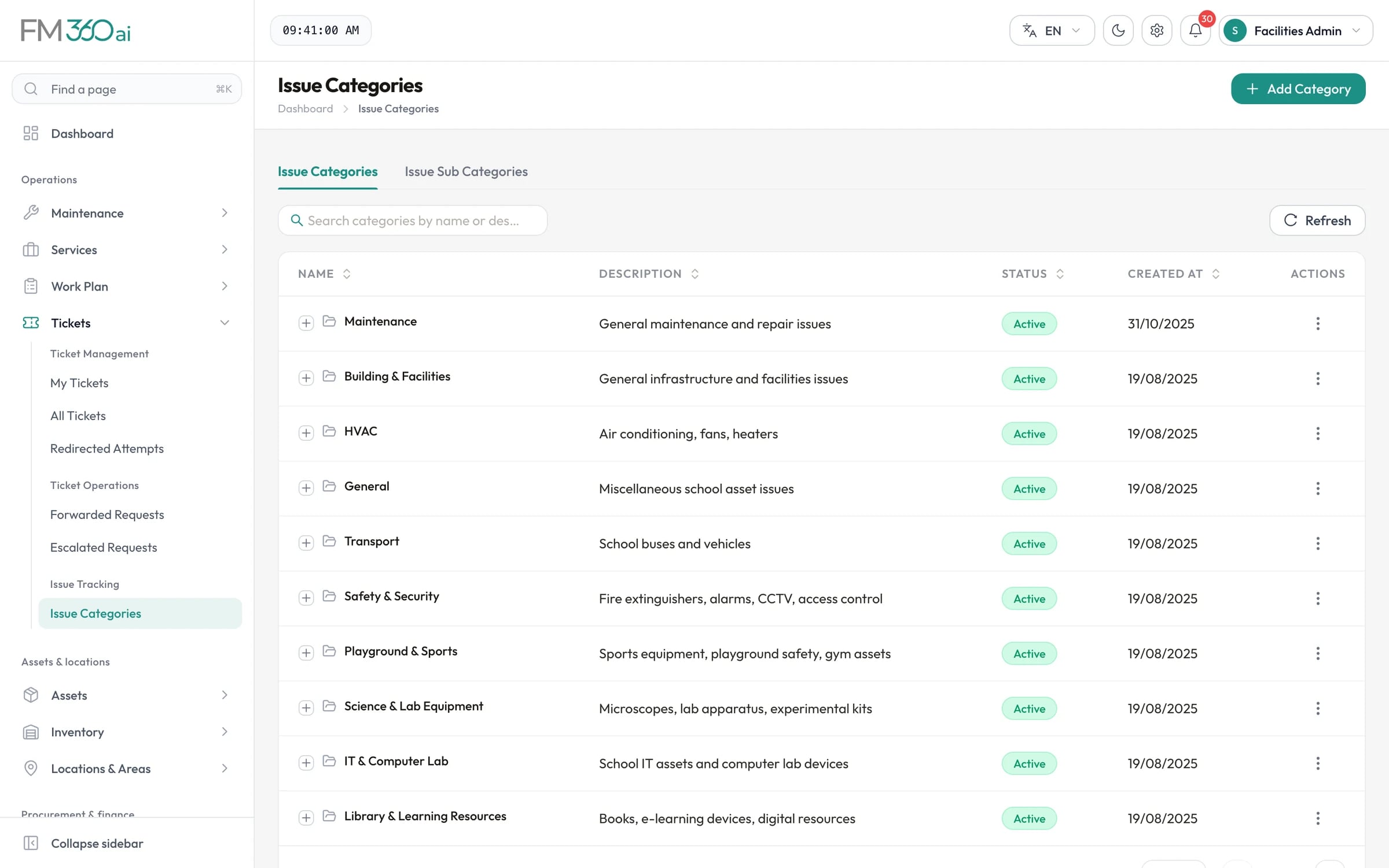
  • Categories written for a school: laboratories, playground and sports, transport, IT and computer labs
  • One message about several problems becomes several tickets
  • Safety reports are raised immediately, even outside working hours
AI request intake
Issue categories list including Maintenance, HVAC, Transport, Safety and Security, and Science and Lab Equipment

Swipe the screenshot to see all of it.
Sections kept apart where they need to be

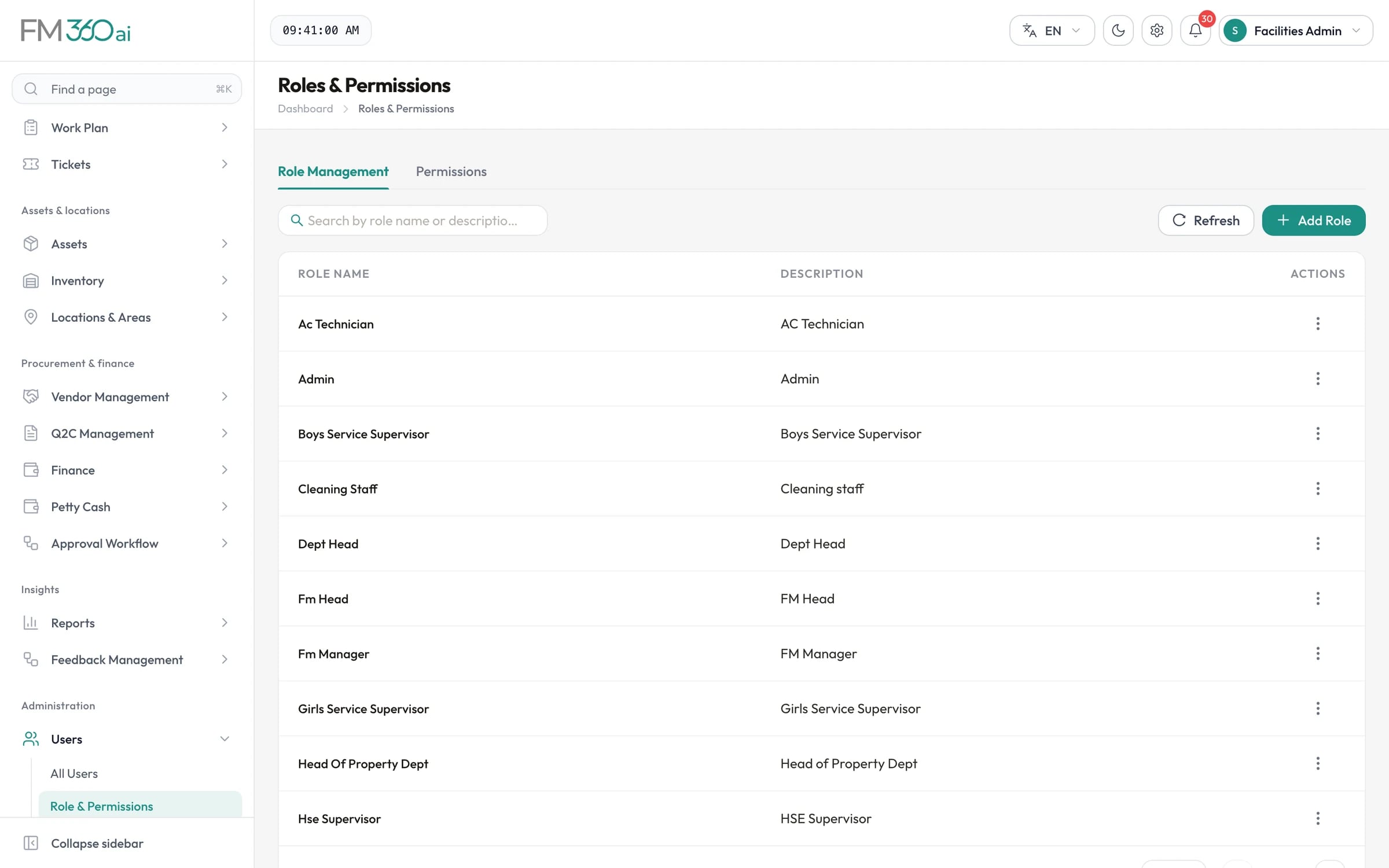
Tickets, areas, roles, technicians and approval workflows can each belong to a section, so each supervisor sees and handles their own part of the campus while management sees all of it.

  • Separate supervisor roles per section
  • Ticket lists scoped to the user's section
  • Approval templates chosen by section
Tickets and SLAs
Roles and permissions screen listing roles such as AC Technician, FM Manager, HSE Supervisor and Dept Head

Swipe the screenshot to see all of it.
Maintenance and cleaning on a timetable

Maintenance and Services are separate modules with their own checklist templates, schedules and calendars. Fire pumps, water tanks, buses and air conditioning follow their service intervals; cleaning rounds follow theirs.

  • Schedules that skip weekends and pause for holidays
  • Checklists with safety notes
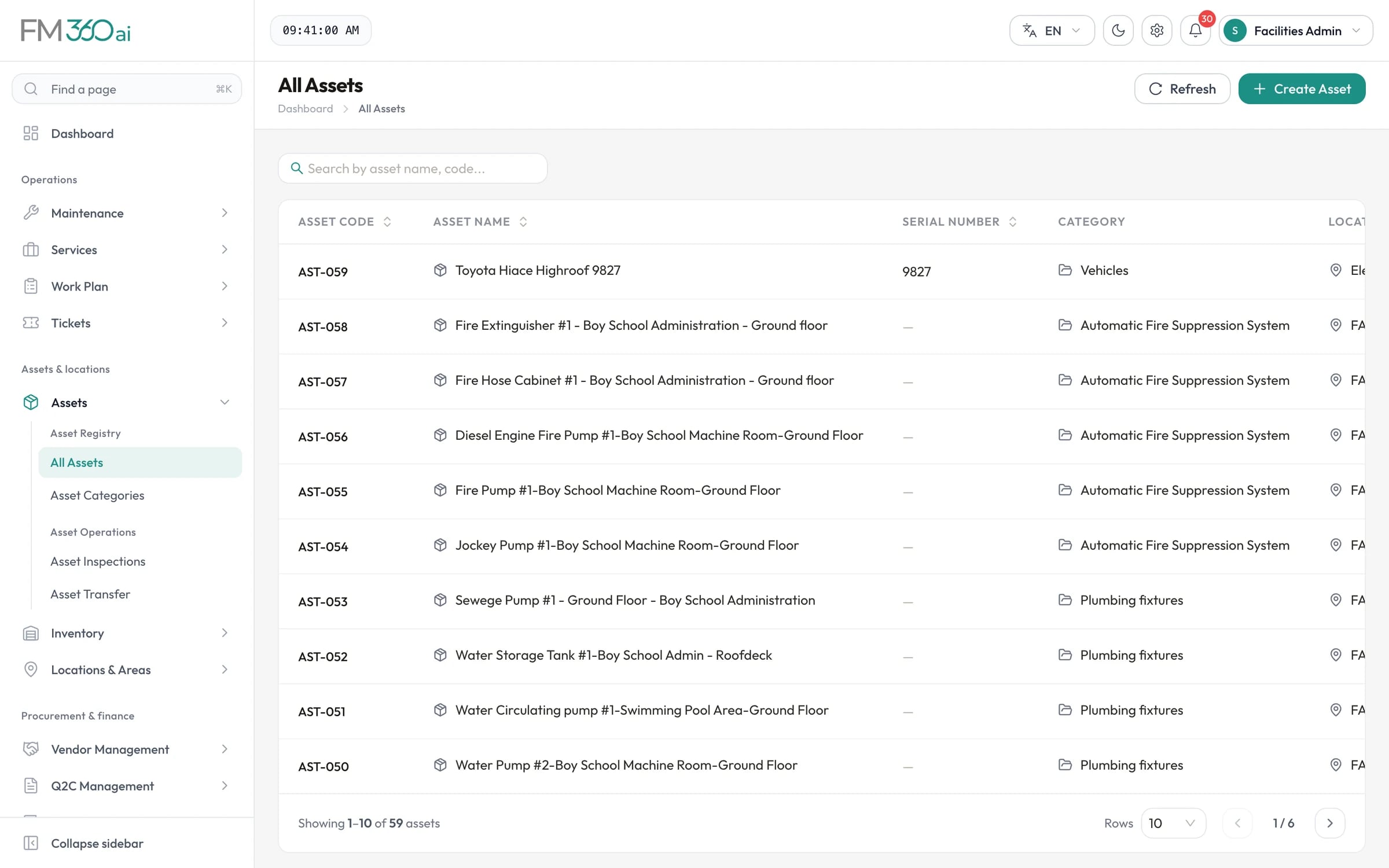
  • A register of assets by building and room
Preventive maintenance
Asset register listing asset codes, names, serial numbers, categories and locations for 59 assets

Swipe the screenshot to see all of it.
Halls, labs and late access

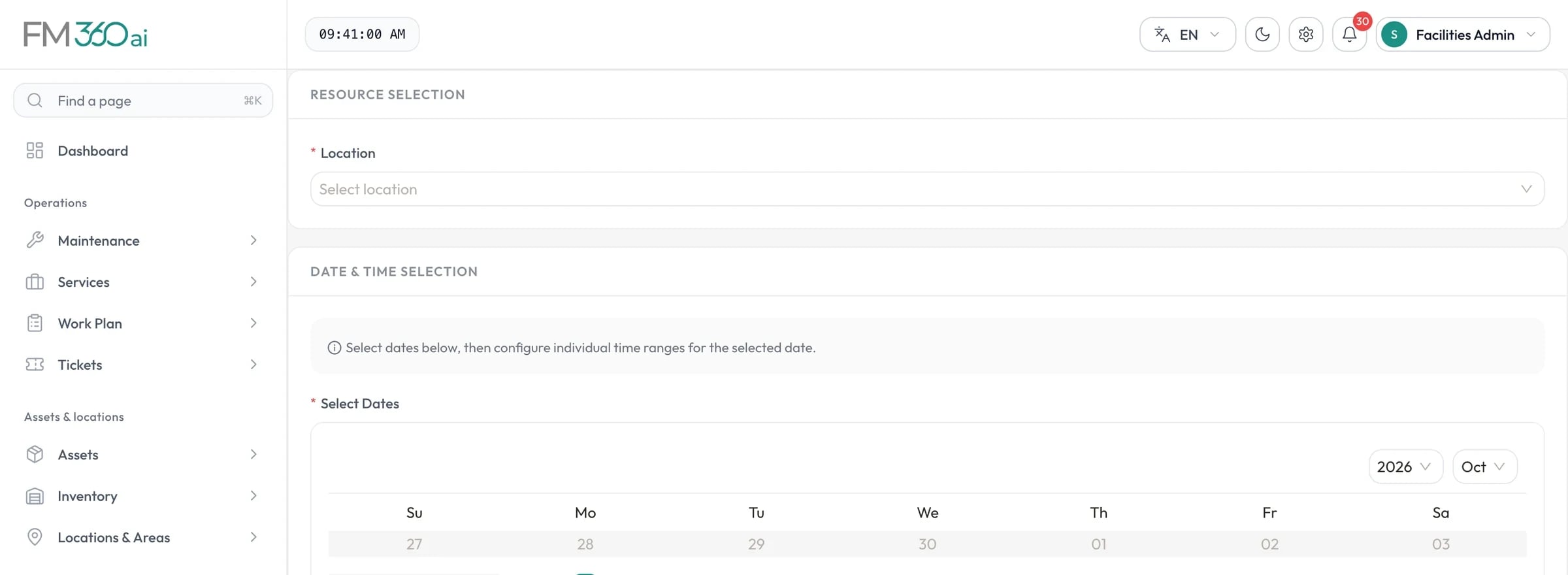
Staff book shared spaces with the grade or class and the event, and facilities can raise the preparation work from the booking. Teachers who need to be on site outside hours request it, and the request passes through their manager and HSE to security.

  • Clash checks when booking
  • An off-time calendar of permitted slots
  • QR verification by the guard
Bookings and after-hours access
Resource booking form with location selection, a date picker and event details

Swipe the screenshot to see all of it.
In practice

A school day in FM360AI

An example of how the pieces fit together on an ordinary day.

  1. 07:10

    A teacher finds a leak

    She sends a photo and a voice note by WhatsApp. A plumbing ticket is opened with the location and she receives the ticket number.

  2. 07:25

    The supervisor assigns it

    He sees the new ticket on his phone, assigns a plumber and returns to the morning round.

  3. 09:00

    A scheduled service falls due

    The quarterly fire pump check appears as a ticket with its checklist, assigned to the maintenance team.

  4. 11:30

    The plumber finishes

    Before and after photos are attached and the checklist completed. The supervisor reviews and closes the ticket; the teacher is asked to rate the work.

  5. 13:00

    The hall is booked

    A coordinator books the auditorium for an assembly. Facilities approve it and raise a ticket to set up the seating.

  6. 18:40

    A late access request

    A teacher approved to work late shows the QR code in her app; the guard scans it and the visit is recorded.

Is FM360AI a fit?

Where it suits well, and what it does not cover today.

A good fit for

  • A school or group of schools with an in-house facilities team
  • Campuses with separate sections, buildings and supervisors
  • Teams that receive most requests by message today
  • Organisations that want maintenance, purchasing and budget in one system

Not covered today

  • Student or parent-facing reporting: the product is for staff
  • Visitor registration and gate passes
  • Integration with a school information system

Common questions

Can teachers report problems without installing anything?

Yes. They can send a WhatsApp message to the number your team links, or email a facilities mailbox. Those who prefer an app can use the requester app, which also covers room bookings and after-hours access.

We run separate boys' and girls' sections. Can the system reflect that?

Yes. Tickets, locations, roles, technicians and approval workflows carry a section, and ticket lists are scoped to the section of the person viewing them, while managers and administrators can see across sections.

Does it cover school buses and other vehicles?

Vehicles can be registered as assets with their own category, checklist template and recurring service schedule, so that periodic servicing raises tickets in the same way as building equipment.

Can we book spaces for exams and events?

Yes. Any area you mark as bookable can be requested for one or more dates and times, with the event and the grade or class. Clashes are shown before the request is submitted and each booking goes through approval.

Is the interface available in Arabic?

The web console is available in English and Arabic with a right-to-left layout. Messages sent in Arabic are understood by the AI intake. The mobile apps are in English.

See FM360AI with your own buildings in mind

Tell us how requests reach your team today and what you maintain. We will walk you through the product on a call, using the workflows that matter to you.

  • A walkthrough of the real product, not slides
  • Time for your questions about fit and limits
  • No obligation to continue